Publish and Verify an Agenda
Publication is the final step. There is no separate publication screen; after saving with Published selected, schoolboard.net displays the saved agenda.
Complete the final review
Confirm the title, date, time, Agenda Header, Group, section order, Agenda Items, attachments, privacy, and removal of unused template content.
Review the saved draft
Do not publish from Preview or unsaved work. Save in Draft Mode and review the saved agenda first.
Publish and notify the public
- Edit the approved saved draft.
- Change Visibility to Public.
- Select Notifications when the public notice should be sent.
- Select Published.
- Confirm the correct Group.
- Save.
- Immediately reopen the agenda, clear Notifications, and save again.
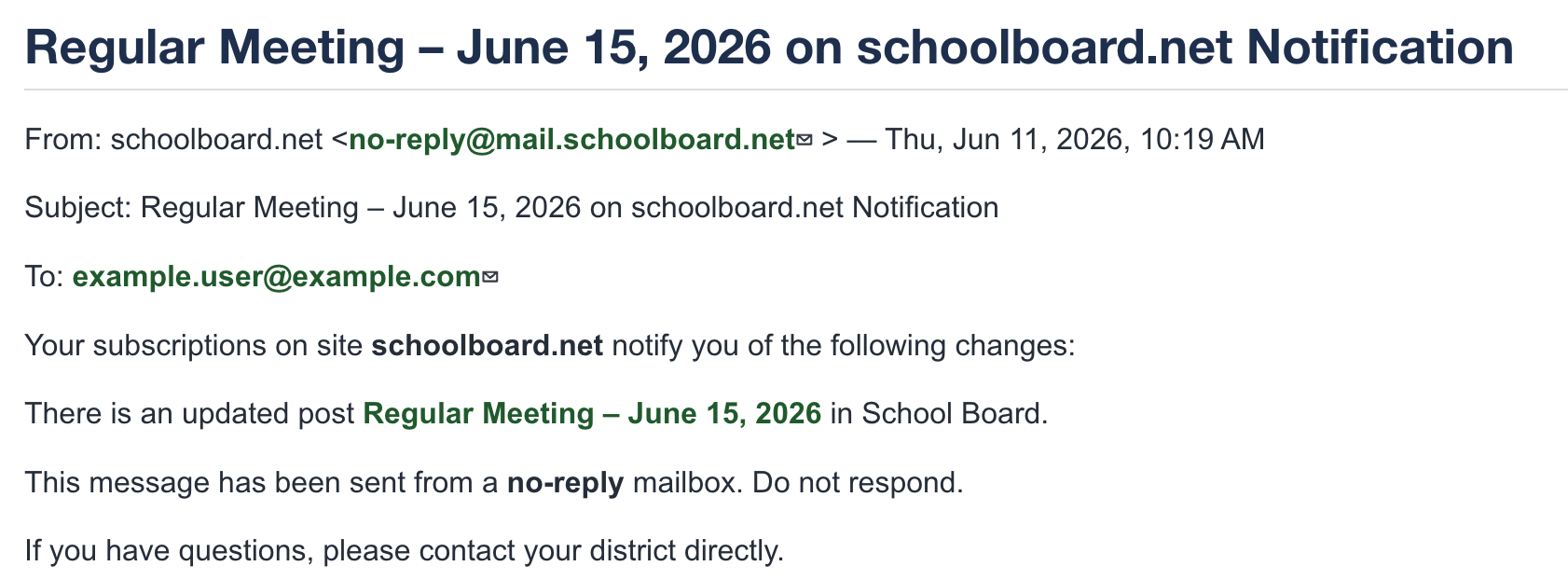
Figure SB-AAC-006. A public notification links to the agenda.
Notifications are sent when saved
Confirm the audience and timing before saving with Notifications selected.
Clear Notifications after every send
Treat each notification as a conscious decision. After the intended notice is sent, immediately edit the agenda, clear Notifications, and save. Leaving Notifications selected can cause another notice during a later edit or save.
Verify the signed-out public view
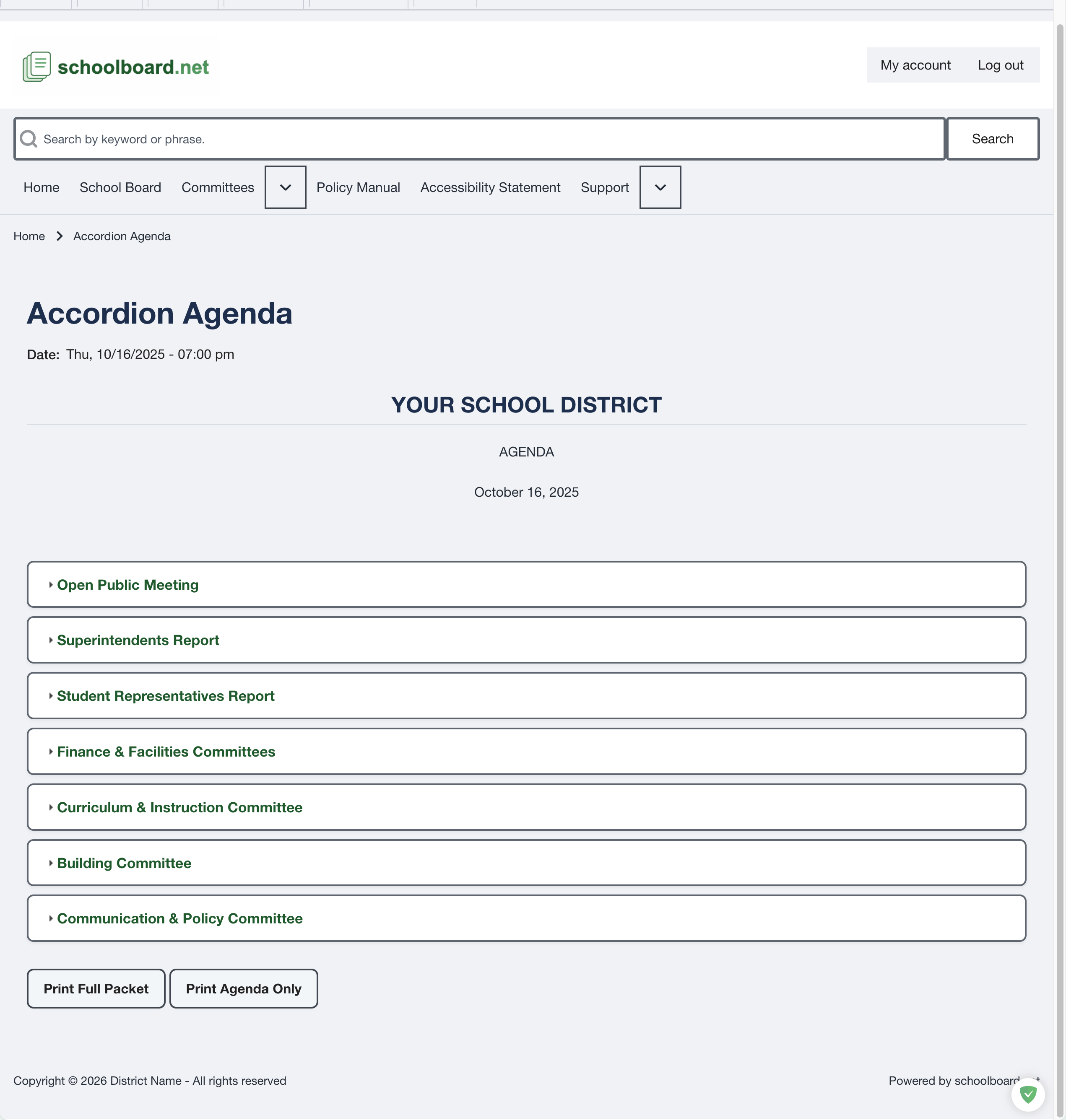
Figure SB-AAC-020. The published agenda.
- Sign out.
- Open the Group's public page and agenda.
- Expand every changed section.
- Open each public file and public Expandable HTML item.
- Confirm no private item is visible.
- Test printing when required by district procedure.
Testing on an iPad or iPhone
Select Print Agenda Only or Print Full Packet. After the printable agenda opens in a new browser window, select the browser's Share button, then select Print.
Preview is not the public view
Only a signed-out check verifies what an anonymous visitor can access.
Confirm public notification delivery
Subscribe to public notifications using a personal or otherwise independent email address. Receiving the notice and opening its link independently confirms delivery and public access.
If the notice does not arrive, verify settings before assuming subscribers received it.