View group members
Open the assigned group and select Members. The list identifies each user, any group membership role, the update and join dates, and available operations.
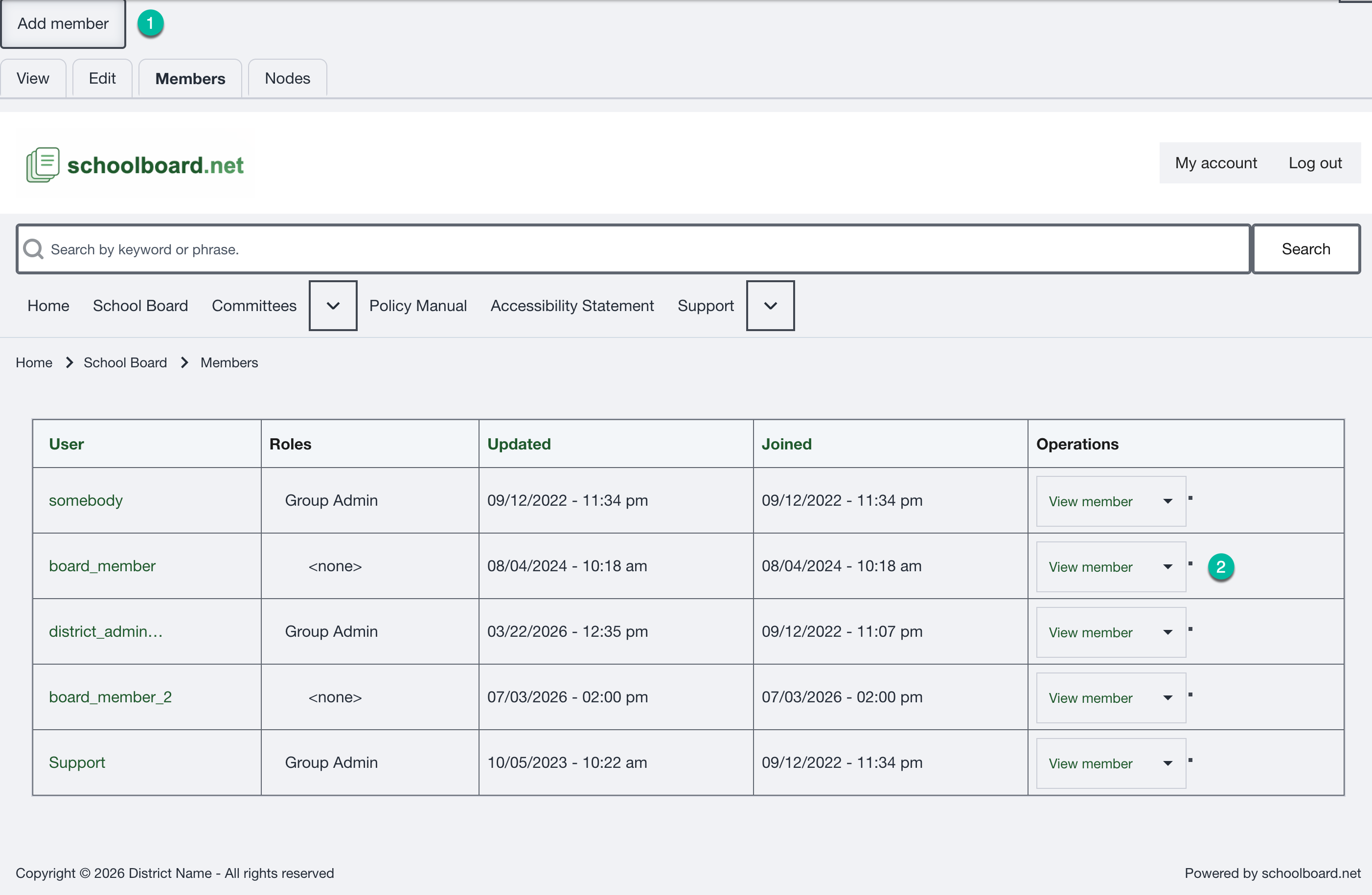
Figure SB-DST-014. Review the current group membership list.
Before changing membership
- Confirm the group name in the page heading or breadcrumb.
- Look for the username in the existing Members list.
- Do not add the same user twice.
- If the username is unfamiliar or ambiguous, stop and confirm the correct account.