Add a group member
Add only an existing schoolboard.net account that has been approved for the group.
Add the membership
- Open the correct group and select Members.
- Select Add member.
- Begin entering the username in User.
- Select the correct result from the autocomplete list.
- Leave URL alias empty unless the district has given specific instructions.
- Do not assign additional roles unless a District Administrator has approved them.
- Select Save.
- Return to the Members list and verify the username.
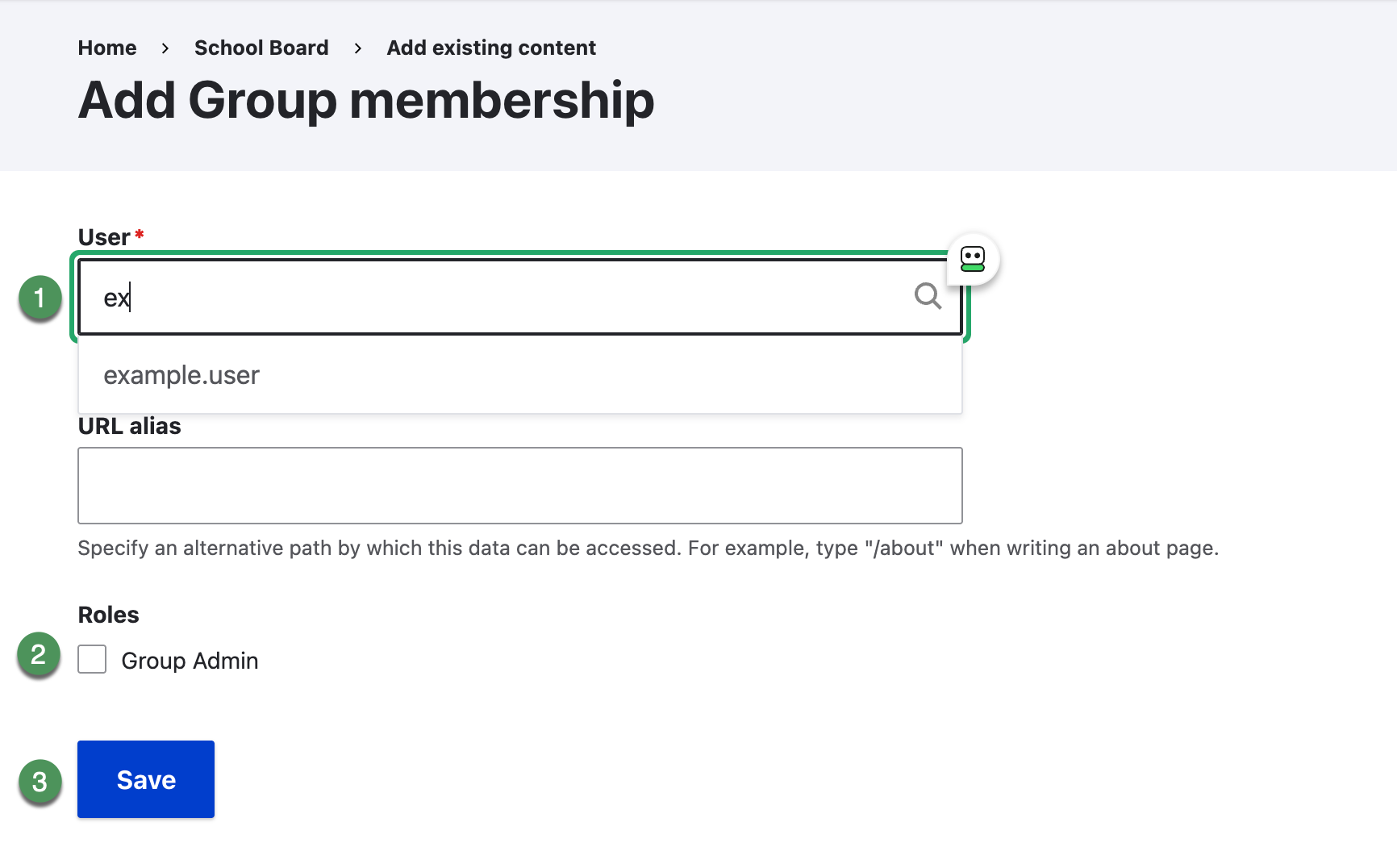
Figure SB-DST-016. Add an existing user to the group.
User not found
If autocomplete does not find the user, do not create a substitute account or select a similar name. Ask a District Administrator to confirm or create the account.