Print an agenda
On agendas that provide print controls:
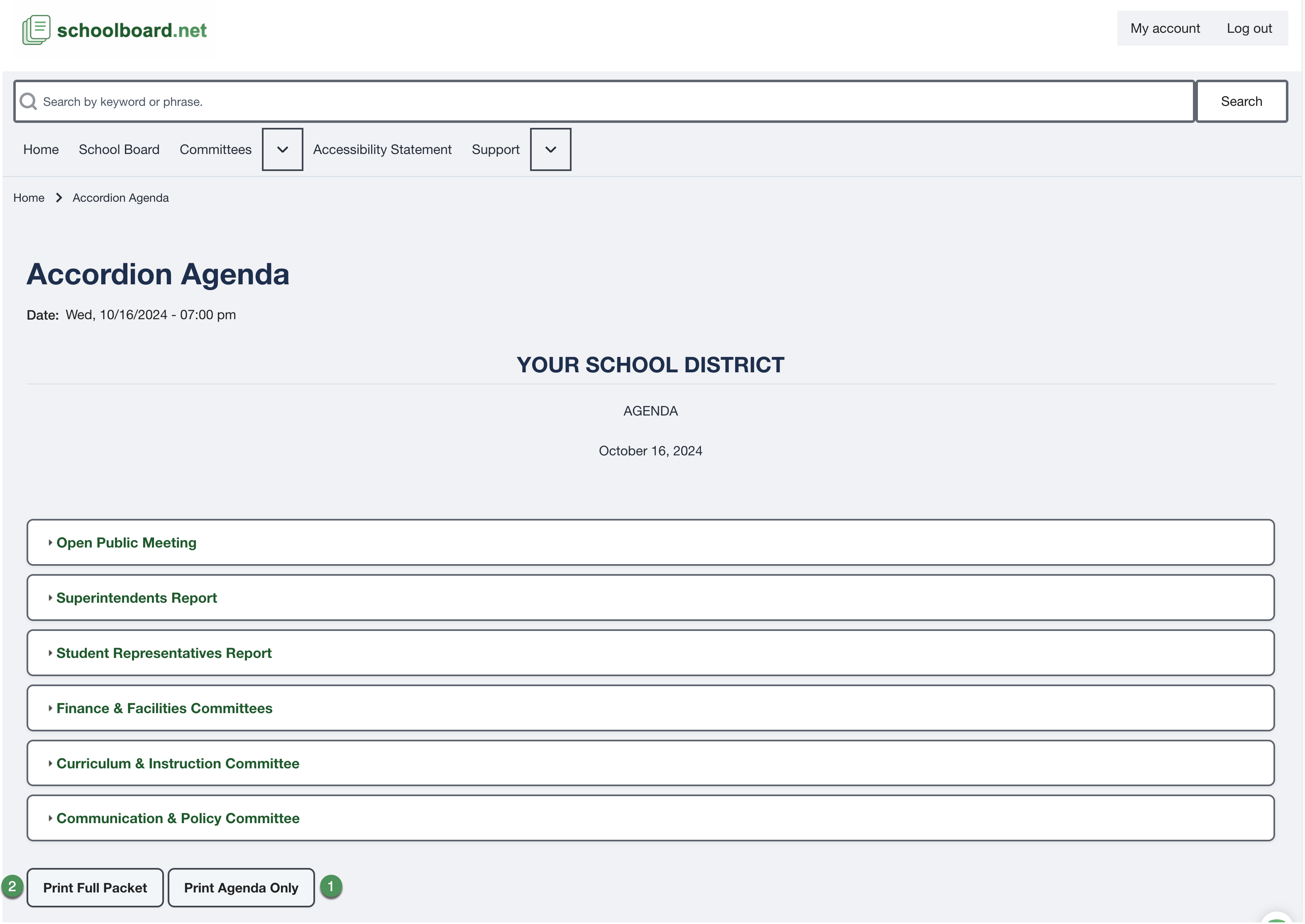
- Select Print Agenda Only for the agenda structure.
- Select Print Full Packet when the public supporting material should be included.
- The printable agenda opens in a new browser window.
- On a computer, review the browser print preview before printing or saving as PDF.
- Use browser zoom to enlarge text for on-screen reading.
Printing on an iPad or iPhone
After the printable agenda opens in a new window, select the browser's Share button, then select Print. The agenda's print controls prepare the printable view; they do not open the device's print controls.
Tip
The live agenda remains the current source when meeting information changes after a packet is printed or saved.