Agendas and public materials
- Confirm the meeting title and date.
- Select an agenda heading to expand it.
- Read the agenda item, motion, table, or list.
- Open nested headings when an item contains more detail.
- Select a linked filename to open a public attachment.
- Select a Read ... heading to open expandable HTML within the page.
- Select the heading again to collapse it.
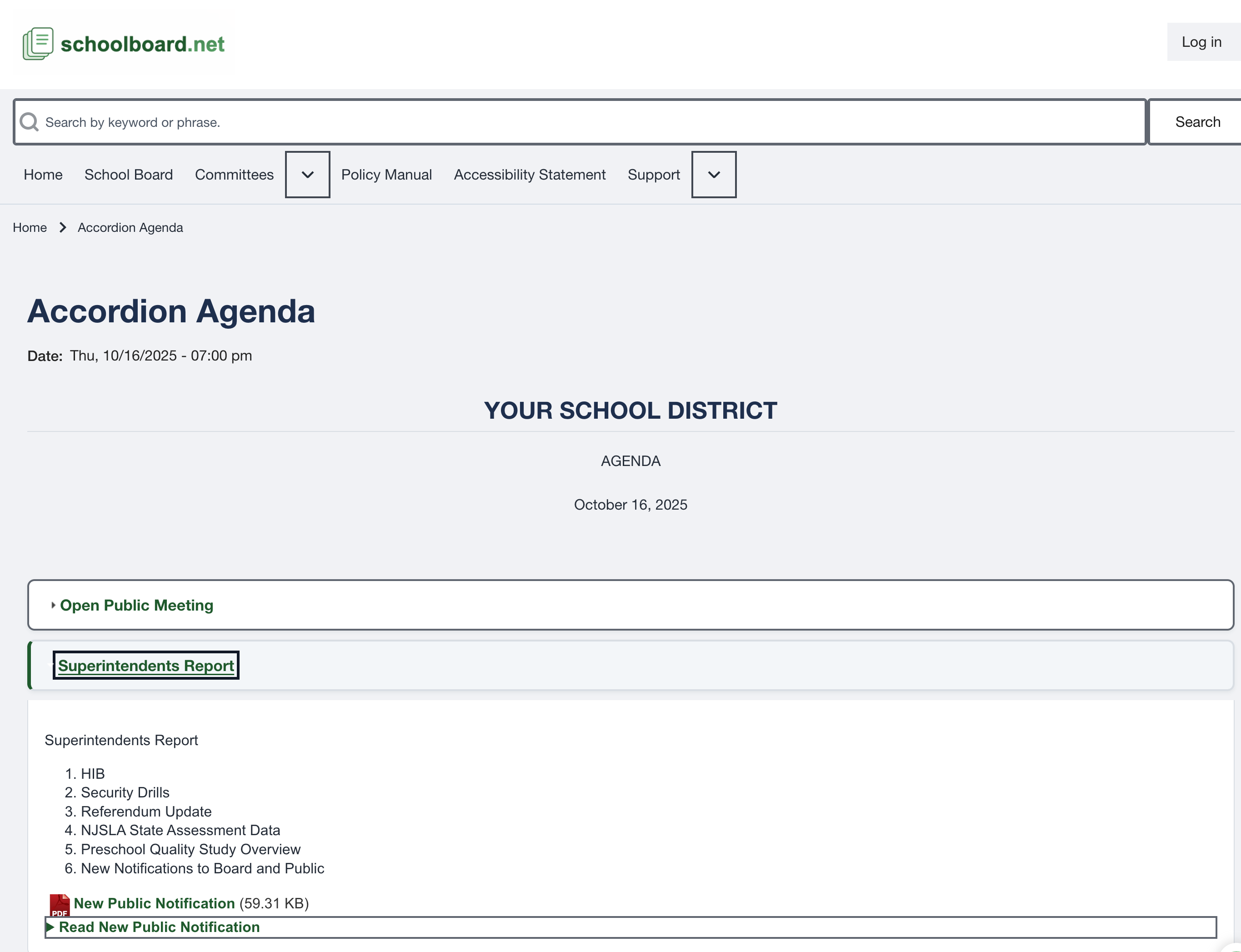
This consolidated view documents functions SB-PUB-006 through SB-PUB-009.
Note
Private materials are restricted to authorized users and do not appear as public agenda content.