Find a meeting
- Open the district's schoolboard.net home page.
- Look under Upcoming Events for a future meeting.
- Look under Past Events for an earlier meeting.
- Select Show more Upcoming Events or Show more Past Events if necessary.
- Select the meeting title and confirm its date, time, and group.
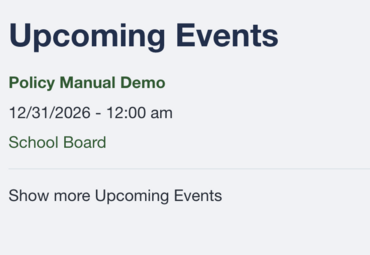
Upcoming Events.
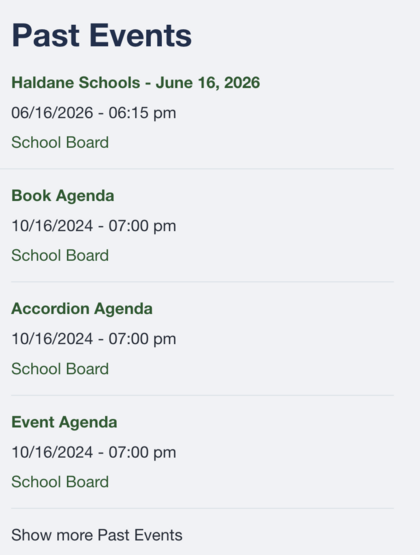
Past Events.
Tip
Meeting titles can be similar. Confirm the date before relying on an agenda or attachment.