Public Quick Start
Use these pages to find Board and committee meetings, read public agendas and materials, search, print, and subscribe to updates. No account is required for public content.
Printable references
The online guide is the current and authoritative version. Select Print this page when a paper copy or locally saved PDF of this Quick Start is helpful. We are considering prepared accessible PDFs for short Quick Starts and checklists—not duplicate copies of every complete guide. Reviewer feedback about that approach is welcome.
On an iPad or iPhone, use the browser's Share button in the toolbar, then select Print. The How to print button displays this reminder.
Review the conventions used in this guide for information boxes, screenshots, mobile navigation, and live-information guidance.
On a smaller screen, select ☰ Topics to open the documentation menu.
1. Find a meeting Use Upcoming Events or Past Events.
2. Review the agenda Expand sections and open public materials.
3. Search the site Use keywords, phrases, and Advanced search.
Five-minute workflow
- Open the district's schoolboard.net site.
- Select a meeting under Upcoming Events or Past Events.
- Confirm the meeting title, date, time, and group.
- Expand the agenda sections you need.
- Open a public filename or Read ... heading.
- Use search, print, notifications, or accessibility features as needed.
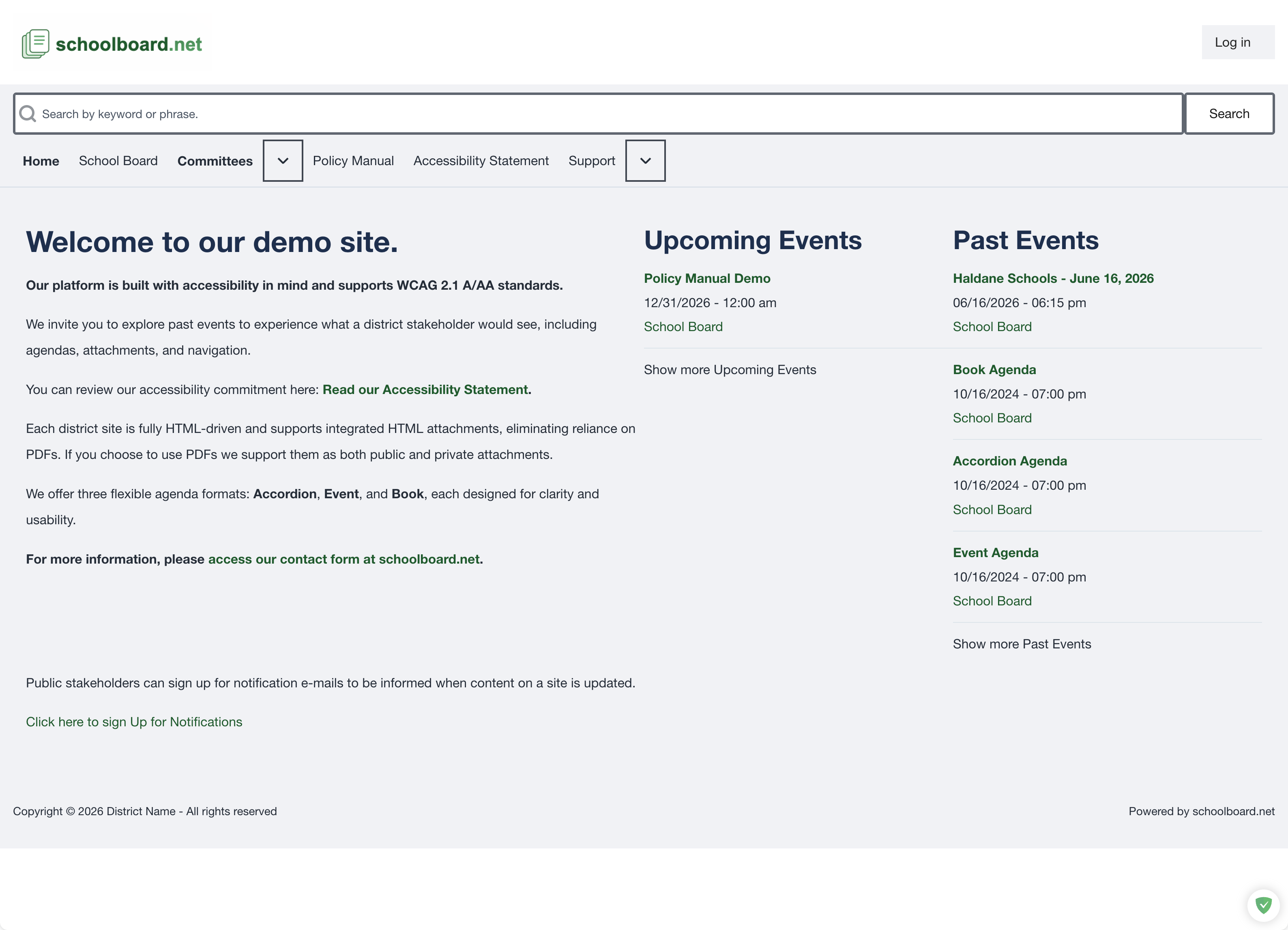
Public home page overview.
Note
District names, navigation choices, and available meeting formats can vary. Confirm the meeting date before relying on an agenda or attachment.